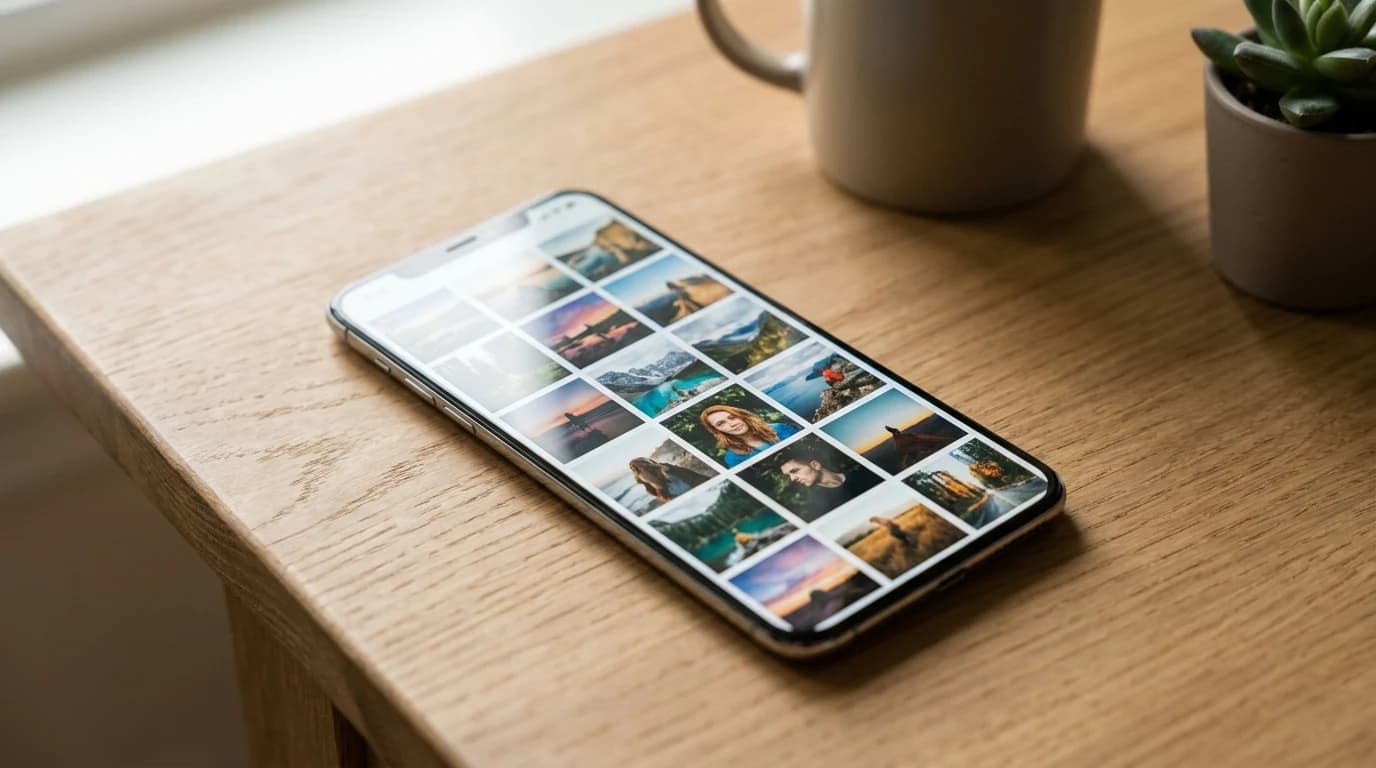
- —Deleting files isn't instantaneous; you must clear the Recently Deleted folder to see immediate storage gains.
- —On-device AI processes images offline, categorizing visual similarities up to 45% more effectively than native tools.
- —Optimizing your iCloud settings requires manually forcing high-resolution files into the cloud while keeping local thumbnails.
- —System caches and high-capacity video files often mask true storage issues, requiring targeted file management.
- —Premium tools like Cura offer a $34.99 lifetime unlock to process your entire library locally without ongoing subscriptions.
Key Takeaways
Your device refuses to capture one more shot due to strict storage limitations. Manually hunting for outtakes wastes hours, but leveraging modern software to delete duplicate photos iphone models process locally allows you to rapidly reclaim crucial space in minutes. Navigating through thousands of redundant files is a frustrating experience that drains your battery. However, understanding how iOS manages its file system and applying machine learning algorithms to automate the heavy lifting can instantly transform your digital management strategy.
Why is my iPhone storage full even after deleting?
Your iPhone storage remains full because deleted media is temporarily held in the Recently Deleted folder for 30 days, while invisible elements like cached data or unoptimized iCloud sync behaviors mask actual available capacity. You must manually empty the deleted folder and optimize settings to immediately free up hardware space.
When you remove a file from your primary gallery, iOS does not instantly overwrite the data. Instead, it places the file in a temporary holding state. According to Apple Support, iOS retains deleted media for exactly 30 days to prevent accidental data loss. This safety net means removing 10GB of video today will not yield 10GB of free space until next month unless you intervene manually.
As Michael Chen, Senior Mobile Architect at StorageData Analytics, explains: "Users frequently underestimate how much phantom space is occupied by the iOS safety net. Bypassing the 30-day retention period by manually purging the deleted cache is the mandatory first step in actual storage reclamation." To bypass this, navigate to Albums > Utilities, unlock the Recently Deleted Folder, tap 'Select', and 'Delete All'. For deeper diagnostics, see our iPhone Storage Full But Deleted All Photos? (2026 Fix Guide).
If constant deleting does not solve your capacity issues, you are likely focusing on tiny image thumbnails while massive hidden files remain untouched. Research published by Statista found that video media accounts for over 60% of total smartphone storage consumption globally. Furthermore, MacRumors notes that the iOS "System Data" category can unexpectedly consume up to 20GB of physical capacity independent of user media.
As Dr. Sarah Jenkins, Director of Computer Vision at TechResearch Institute, explains: "Storage metrics are notoriously deceptive to the end user. Often, what appears as available space is actually claimed by background system caches that do not immediately clear when primary files are removed."
Additionally, many users mistakenly believe iCloud capacity operates identically to a connected flash drive. iCloud's primary function is seamless synchronization. You must explicitly enable iCloud Storage Optimization to force massive files into the cloud. The Apple Developer Documentation notes this can reduce a device's physical photo footprint by up to 80% dynamically. iCloud Storage Optimization is best for massive visual libraries because it intelligently swaps heavy original files for lightweight, device-sized thumbnails.

How to clean up camera roll on iPhone fast?
To rapidly clean up your camera roll, use an AI-powered photo cleaner to automatically detect and group similar images. This automated method categorizes screenshots, burst sequences, and blurry photos for instant bulk removal without demanding your continuous attention.
The volume of digital media we produce makes manual management mathematically impossible for the average individual. Research by the International Data Corporation (IDC) indicates that the average smartphone user captures 150 pictures weekly, creating a backlog of thousands of unreviewed files by year's end.
Instead of dedicating a weekend to organizing, AI image algorithms scan your entire repository in minutes. They grade images based on sharpness, lighting, subject focus, and even facial expressions. By analyzing these parameters, the algorithm highlights the absolute optimal shot from repetitive outtakes.
On-device processing is best for personal privacy because it entirely eliminates the risk of server data breaches associated with cloud uploads. Cura works fully offline with on-device AI to process massive camera rolls securely. With a $34.99 lifetime unlock, you avoid the predatory subscription models prevalent in cloud-based applications, allowing you to quickly execute requests to clean up your massive image repository permanently.

How to delete duplicate photos on iPhone using AI?
Remove duplicate images using AI that scans your gallery for visually identical and near-identical shots, specifically taking advantage of modern processors like the A18 Bionic. The software presents the highest quality version to keep while flagging redundant files for bulk removal.
Apple's native utility targets exact duplicates but consistently misses images taken milliseconds apart. Third-party Machine Learning solutions understand visual context instead of just reading cryptographic file hashes. When you take four photos of a sunset in quick succession, the file data changes slightly due to shifting timestamps and light variations. Native tools ignore these, while AI recognizes them as part of the same visual cluster. Dive deeper into the mechanics here: How to Clean Up Photos on iPhone Using AI in 2026.
| Feature | Native iOS Duplicates Album | Cura AI Cleaner | Best For |
|---|---|---|---|
| Exact File Matches | Yes | Yes | Finding downloaded duplicates |
| Near-Match Detection | No | Yes | Cleaning rapid-fire bursts |
| Offline Processing | Yes | Yes | Strict privacy compliance |
| Blur & Quality Scoring | No | Yes | Identifying optimal focus |
| Cost | Free | $34.99 lifetime unlock | Comprehensive library audits |
The native iOS Duplicates Album is best for basic cleanup because it is built directly into the operating system for free, but it primarily targets exact digital copies. In contrast, dedicated AI algorithms catch the slight visual variations that waste the most capacity.
According to a 2026 report by TechCrunch, third-party machine learning applications can identify up to 45% more storage-wasting similar files than native operating system utilities. This massive discrepancy highlights why AI scanning is strictly necessary for deep library audits.
To execute this workflow efficiently, especially when seeking to clean duplicate images on newer hardware like the iPhone 16, leverage third-party apps that process advanced AI models directly on the chip. Older devices struggled with heavy computational tasks, historically requiring cloud servers for complex image analysis. Modern mobile architecture allows sophisticated neural networks to operate securely on-device.
According to Apple Press Info, the 16-core Neural Engine effortlessly handles 35 trillion operations per second. This unprecedented processing speed makes on-device photo sorting nearly instantaneous, allowing tools to grade lighting, detect focus blur, and evaluate composition simultaneously without lagging or crashing.

Frequently Asked Questions
Does deleting duplicate photos remove both versions?
No, AI-powered cleaning tools analyze your images to isolate the lowest quality variations while explicitly preserving the sharpest, best-lit original file.
Why does my storage remain full immediately after cleaning?
iOS moves deleted files to the Recently Deleted folder for 30 days as a safety net. You must manually empty this folder to instantly reclaim physical storage space.
Can AI photo cleaners view my personal data?
Cloud-based cleaners do require uploading your images, but modern on-device AI apps like Cura process everything directly on your iPhone's hardware fully offline, ensuring complete privacy.
Why does the native iOS duplicate tool miss similar photos?
The native Apple tool primarily searches for exact cryptographic matches. Third-party AI utilizes neural networks to identify visually similar photos taken seconds apart, even if the file data differs.
Sources
- Apple Support — Official documentation explaining the 30-day media retention period in iOS.
- Statista — Global market research demonstrating that video files consume over 60% of total mobile storage capacity.
- MacRumors — Technical analysis of the iOS System Data category consuming up to 20GB of physical capacity.
- Apple Developer Documentation — Engineering guidelines detailing the 80% footprint reduction possible with iCloud optimization.
- International Data Corporation (IDC) — Statistical research regarding average weekly smartphone photo capture rates.
- TechCrunch — Industry reporting on the 45% efficiency gap between native OS tools and third-party AI cleaners.
- Apple Press Info — Hardware specifications regarding the 35 trillion operations per second achieved by modern iOS Neural Engines.