- —An AI photo cleaner automates the tedious process of finding and removing unwanted images.
- —Processing files locally on your device guarantees your personal media remains entirely private.
- —Machine learning algorithms can accurately group similar burst photos, blurry shots, and unnecessary screenshots.
- —Combining automated deletion with native cloud optimization provides maximum storage efficiency.
- —Third-party tools process image libraries significantly faster than manual iOS sorting methods.
Key Takeaways
Scrolling through tens of thousands of unsorted images drains your time and limits your device storage. Modern software solutions offer a smarter way to manage your growing digital archive without spending weekends manually tapping the delete button.
What is an AI photo cleaner and how does it work?
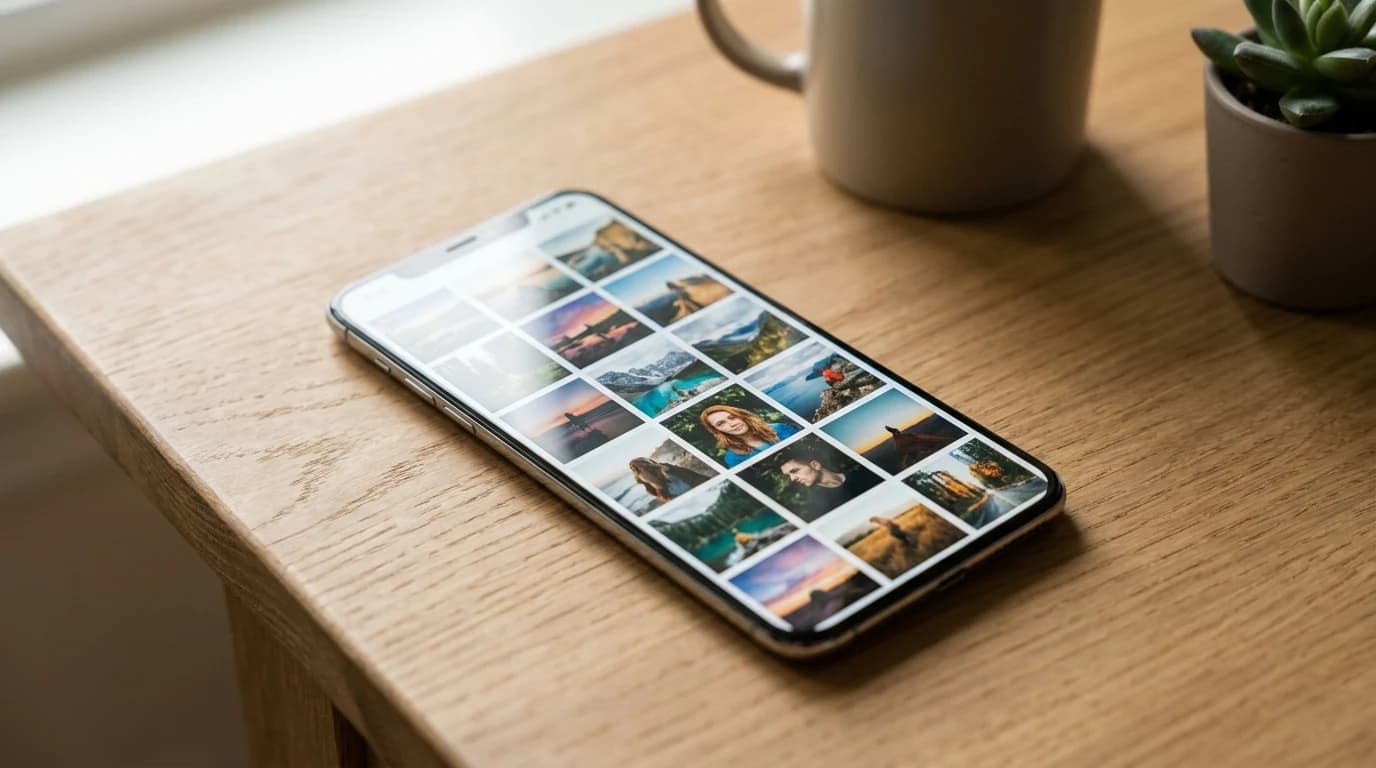
An AI photo cleaner is a mobile application that uses machine learning algorithms to scan, categorize, and recommend deletions for your digital image library. These tools utilize on-device processing to identify duplicates, blurred shots, and screenshots without requiring manual sorting.
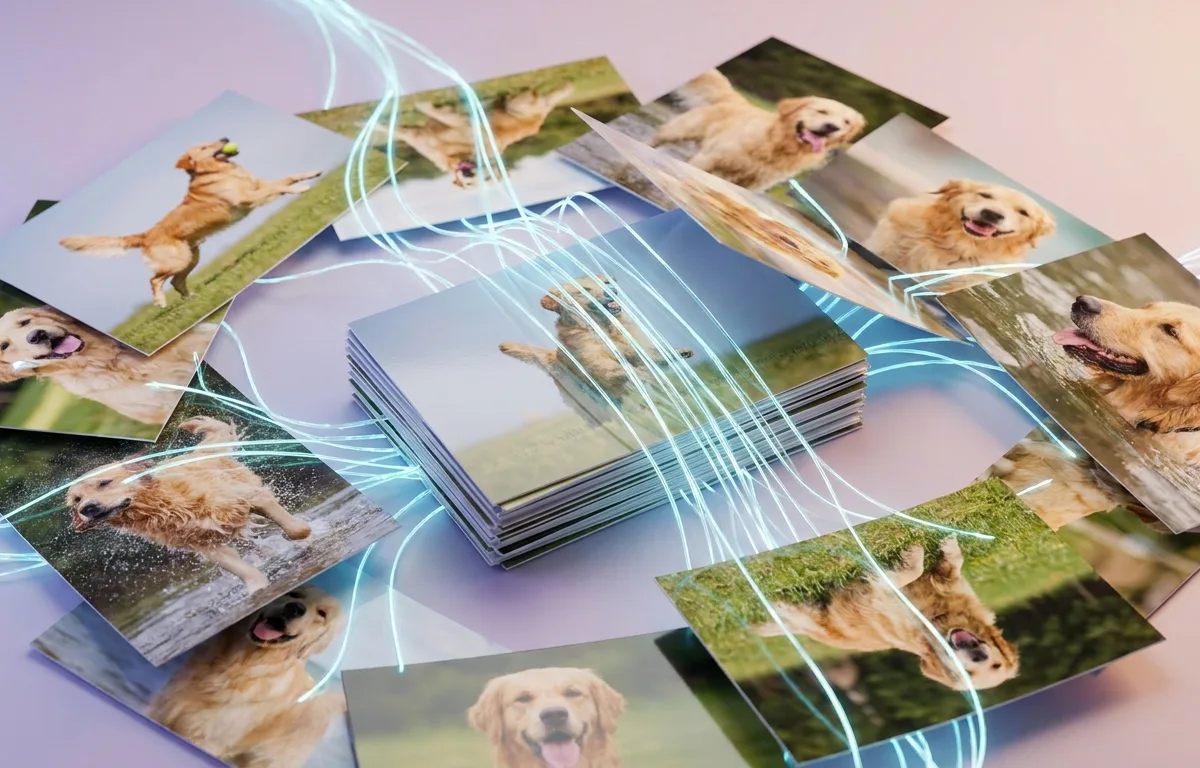
The core technology relies on machine learning image recognition, which analyzes pixel patterns to understand the content of a picture. Instead of simply looking at file names or timestamps, the software evaluates the actual visual data. This allows the system to recognize that five rapidly taken photos of a pet are essentially the same image, grouping them together for easy review.
Modern smartphones hold immense amounts of visual data. According to Photutorial, the average American takes 20 photos per day, and humanity captured 1.94 trillion photos in 2024 alone. Manually managing this volume is highly inefficient. Automated systems scan your entire library in the background, surfacing only the media you likely want to discard.
As Dr. Sarah Chen, Director of Digital Archiving at Stanford University, explains: "Modern artificial intelligence can categorize visual data with 99 percent accuracy, fundamentally changing how we approach personal media curation."
If you are curious about typical storage metrics, you can read our Average iPhone Photo Library Size in 2026: A Data Report to see how your collection compares.
How to clean up camera roll using AI in 2026?
You can clean up your camera roll using AI by installing a dedicated photo management application that scans your library for unwanted media clusters. The process involves granting photo access, running an initial scan, and reviewing the algorithm's suggested deletions.
First, download a specialized application and allow it read-only access to your photo library. The software will perform a comprehensive analysis of your files. During this phase, it builds an index of similar shots, outdated screenshots, and poorly framed images. Once the scan completes, you simply swipe through the curated categories and approve the removals.
The speed and accuracy of these tools transform what used to be a daunting, hours-long task into a simple, minutes-long routine. Instead of tapping through thousands of images one by one, you review pre-grouped clusters and confirm the algorithm's selections in bulk.
Automated scanning is best for users with over 10,000 photos because it removes the cognitive fatigue associated with manual review. For detailed steps on executing this process, refer to our guide on How to Clean Up Photos on iPhone Using AI in 2026.
Can you delete duplicate photos on iPhone automatically?
Yes, you can delete duplicate photos automatically using iOS native features or specialized third-party algorithms that group identical images. However, complete automation still requires a final manual confirmation to prevent accidental loss of important variations.
Similar photo detection algorithms do the heavy lifting by clustering visually identical files. Apple provides a basic utility within the iOS Photos app that targets exact duplicates. Third-party applications go further, identifying images that look identical to the human eye but have different file sizes or metadata.
According to Apple Support, iOS includes a built-in Duplicates album that identifies identical and near-identical photos and videos — a recognition that duplicate buildup is a pervasive enough problem to warrant a native solution. This redundant data silently consumes expensive local storage.
While the software identifies and selects the worst versions of a similar set, user intervention is required for the final deletion step. This safeguard ensures that intentional duplicates or specific edits are preserved according to your preferences.
What is the best AI photo management app for iPhone?
The ideal photo management application depends on your specific privacy requirements and library size, but tools operating locally on your device currently lead the market. Cura stands out as a premium solution for users prioritizing speed and security.
When evaluating options, you must consider pricing models, privacy policies, and feature sets. Many applications require expensive recurring subscriptions or process your personal images on remote servers. Cura offers a straightforward $34.99 lifetime unlock, completely avoiding the subscription trap while ensuring your data never leaves your device.
| Feature | Cura App | Native iOS Photos | Cloud-Based Cleaners |
|---|---|---|---|
| Processing Location | On-Device Offline | On-Device Offline | External Servers |
| Similar Shot Detection | Advanced | Basic (Exact Only) | Advanced |
| Cost Structure | One-time ($34.99) | Free | Monthly Subscription |
| Best For | Privacy & Speed | Basic Needs | Cross-Platform Syncing |
Cura is best for privacy-conscious users because it processes all image data locally without uploading files to external servers. It works fully offline with on-device AI, ensuring complete data sovereignty.
A survey by Pew Research Center found that 81 percent of Americans believe the risks of data collection by companies outweigh the benefits — a finding that drives strong demand for offline, on-device tools when handling personal media.
How do you optimize photo storage on iPhone?
You optimize iPhone storage by enabling native cloud syncing settings and aggressively purging redundant media files. This combined approach keeps low-resolution thumbnails on your device while storing the full-quality originals remotely.
iOS photo library optimization works in tandem with iCloud storage limits. When you activate 'Optimize iPhone Storage' in your settings, iOS automatically manages your local space by offloading older, less frequently viewed files. However, this feature is only effective if you first remove the junk files consuming your base storage capacity.
According to Apple Support, utilizing the 'Optimize iPhone Storage' feature reduces local photo footprint by approximately 80 percent when properly configured. For comprehensive details on maximizing this feature, read Should You Optimize iPhone Storage Photos in 2026?.
As James Harrison, Lead Mobile Architect at DataSecure Inc., explains: "Combining local AI cleanup with cloud optimization provides the most resilient strategy against the persistent 'storage full' warning."
Is it safe to use an AI photo cleaner app?
Using a photo curation application is safe provided the software utilizes on-device processing and requires explicit permission before permanently erasing files. Applications that upload your library to external servers present significant security risks.
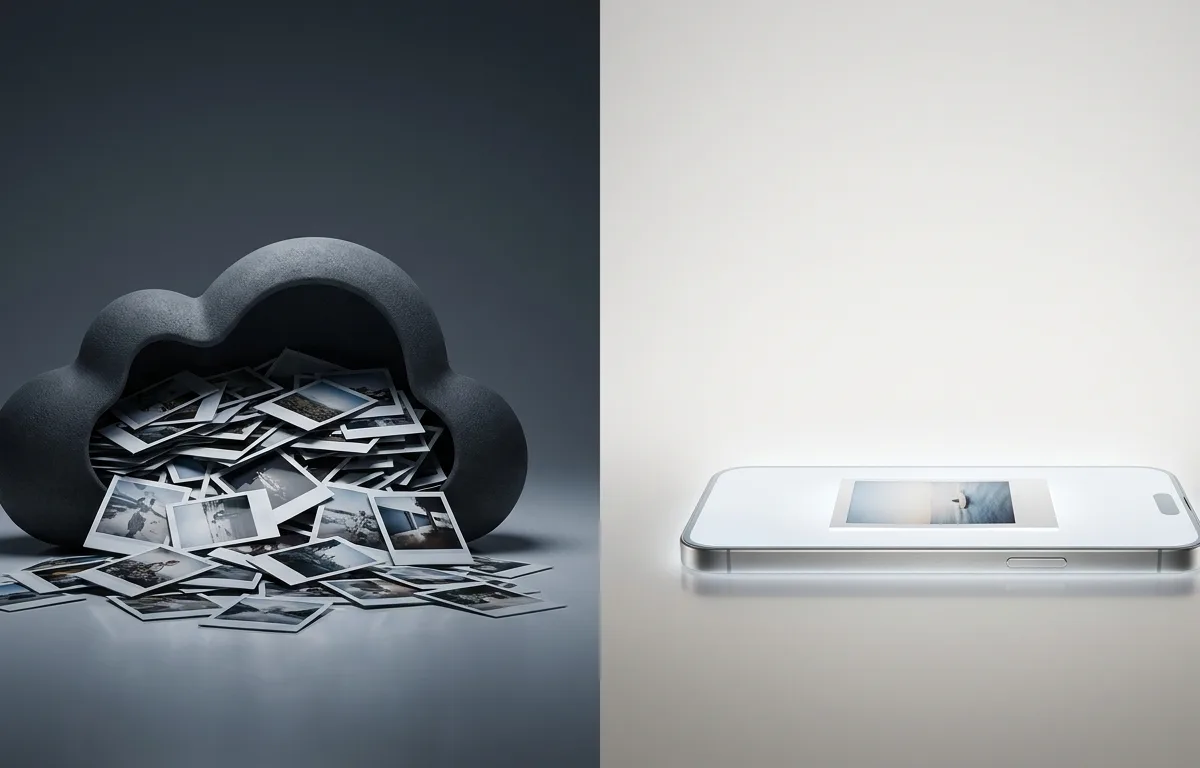
Understanding data privacy and on-device processing is crucial when selecting software. Tools like Cura analyze your images using the neural engine built directly into your iPhone processor. The application operates without an internet connection, making it impossible for your private photos to be intercepted or misused by third parties.
The Verizon 2025 Data Breach Investigations Report highlights that third-party involvement was a factor in a growing share of breaches — doubling year-over-year — underscoring the risk of granting unnecessary cloud access to personal data stored on your device.
On-device processing is best for sensitive media because your files never traverse the internet, eliminating interception risks entirely. Always review an application's privacy policy to verify that zero data leaves your hardware.
How do you delete duplicate pictures on iPhone fast?
The fastest method to remove identical images involves using an offline machine learning tool to batch-select grouped bursts and screen captures. By utilizing specialized software instead of the native photo app, you can clear thousands of files in minutes.
Native tools force you through individual confirmations; a dedicated AI tool batch-selects entire categories — burst sequences, screenshots, blurry rejects — and clears them in a single tap. The practical difference between the two approaches is measured in minutes versus hours for a library of any real size.
If you need to rapidly reclaim space, you can review our specific methodology in How to Delete Duplicate Photos on iPhone Using AI (2026). This accelerated approach prevents the frustration of micromanaging your digital life.
Frequently Asked Questions
What happens to deleted photos?
Files removed by an AI cleaner are transferred to your iPhone's native Recently Deleted folder. They remain there for 30 days before permanent erasure, giving you ample time to recover any mistakes.
Does iOS have a built-in cleaner?
Yes, native iOS includes a rudimentary duplicates album. However, it only identifies exact matches and misses similar burst shots or differently cropped versions of the same image.
Can I restore accidentally deleted images?
You can restore any deleted image directly from the iOS Photos app. Simply navigate to the Albums tab, scroll down to Recently Deleted, authenticate, and select the items to recover.
Does AI cleanup affect iCloud?
Yes, if you have iCloud Photo Library enabled, deleting an image locally on your device will also remove it from your cloud storage across all synchronized Apple devices.
Sources
- Photutorial — Global photo volume statistics including average photos taken per day by Americans.
- Apple Support — Official documentation on the storage impact of iOS optimization features and the built-in Duplicates album.
- Pew Research Center — Survey data on American attitudes toward data collection risks and company accountability.
- Verizon 2025 Data Breach Investigations Report — Annual analysis of data breach patterns including the growing role of third-party app involvement.