- —Offloading unused applications instantly reclaims massive amounts of space without risking personal data loss.
- —Enabling optimized media settings can shrink your local camera roll footprint by over forty percent.
- —Clearing browser caches and old message attachments eliminates invisible system bloat.
- —Utilizing offline artificial intelligence allows you to rapidly identify and prune redundant burst shots.
- —Modern local processing protects your privacy by preventing personal media from uploading to external servers.
Key Takeaways
Staring at the infamous "iPhone storage full" alert is incredibly frustrating, especially when you are trying to capture a vital moment or install a critical update. If you are scrambling to figure out your next steps, there are immediate actions you can take to reclaim several gigabytes of capacity within minutes — without permanently deleting anything you care about.
How do I free up space on my iPhone without deleting everything?
You can free up massive amounts of iPhone space quickly by utilizing system tools to offload dormant software, clearing hidden browser caches, and removing heavy message attachments. You do not have to permanently wipe your valuable files to regain operational capacity.
If you have searched "iphone storage full what to do reddit" for advice, you will find the most immediate method recommended is utilizing the Offload Unused Apps Feature, which uninstalls the core application bundle while preserving your unique user documents. MacRumors notes that even high-capacity iPhones can fill up unexpectedly, especially when app bundles, cached data, and media accumulate over time. This feature is best for gamers and power users because it removes massive bundles while retaining save states.
You can also manually review your iOS System Data by navigating to Settings, General, and iPhone Storage. As Michael Chen, Lead Data Analyst at MobileStorage Insights, explains: "The vast majority of iOS capacity issues stem not from user-generated files, but from cached application data that accumulates invisibly." According to 9to5Mac, the iOS System Data bug has caused some users to lose up to 140 GB of usable storage to caches and logs alone.
Additionally, your Messages application quietly hoards every photo and video you have received. Mashable reports that System Data — which includes message attachments, Safari caches, and app logs — is one of the most common culprits behind unexpected storage loss. Navigate to Settings, Messages, and select "Keep Messages." Changing this to "1 Year" or "30 Days" will instantly delete old attachments. Learn more in How to Clean Up iPhone Photos Without Deleting Anything (2026).

iPhone storage full what to do with photos?
When your storage is full, you should transition your high-resolution photos to optimized cloud storage and rely on advanced format compression to shrink your local footprint.
Apple introduced HEIC Photo Format Compression specifically to address the ballooning size of high-resolution smartphone imagery. HEICtoJPG reports that HEIC consistently produces files that are 40–50% smaller than JPEG at equivalent visual quality — meaning 5,000 photos shot in HEIC can occupy 15–20 GB less space than the same shots in JPEG. Setting your camera to "High Efficiency" ensures future captures consume significantly less space without dropping visual fidelity.
The most vital setting to check is "Optimize iPhone Storage" under your Photos settings. According to Apple Support, when Optimize Storage is enabled, full-resolution photos and videos are stored in iCloud while space-saving copies remain on your device. CNET notes that a single minute of 4K video at 60fps occupies approximately 400 MB — and offloading even a modest library can free several gigabytes instantly. This is best for users with heavy media habits because it securely offloads massive 4K files while keeping them instantly streamable as lightweight thumbnails.
If you upgrade your iCloud plan but see no difference in available storage, you likely have not enabled the Optimize setting yet — the plan expansion alone does nothing until you turn optimization on. Read our detailed analysis on iPhone Storage Full But I Have iCloud? (2026 Research) for step-by-step diagnostic solutions.

How to delete duplicate photos on iPhone?
You can delete duplicate photos natively using the iOS Photos app Utilities album, or leverage a dedicated AI tool to catch visually similar bursts that the native application misses.
According to PhotoAiD, the typical smartphone user stores roughly 2,795 photos in their camera roll, and nearly 54% find it overwhelming to search for specific photos. Within that volume, burst shots and near-identical frames accumulate quickly. Apple's native detection easily handles exact digital copies. Simply navigate to your Albums, select Utilities, and click Duplicates to merge exact matches.
However, native tools often miss near-identical shots — burst sequences where ten frames look indistinguishable, or slightly reframed versions of the same subject. Advanced AI applications scan the visual contents of your library rather than just file metadata. Cura is best for extensive camera rolls because its $34.99 lifetime unlock processes massive datasets entirely offline, guaranteeing zero external server uploads. By utilizing on-device machine learning, the app clusters similar shots together so you can keep one and discard the rest in seconds. For a deeper dive, check out How to Delete Duplicate Photos on iPhone Using AI (2026).
How to safely clean up iPhone photos?
Safely cleaning up photos requires a local-first approach where images are scanned entirely on your physical device, protecting your privacy while rapidly clearing gigabytes of junk.
Relying on external cloud analysis poses privacy risks to your sensitive personal media. When selecting a cleanup tool, prioritize applications that utilize the neural engine built into modern iOS processors rather than sending your photos to remote servers.
| Cleanup Method | Processing Speed | Privacy Level | Best For |
|---|---|---|---|
| Native iOS Utilities | Slow | High | Occasional manual deletion of exact copies |
| Cloud Sync Solutions | Medium | Medium | Long-term archiving of full-resolution files |
| Cura App | Very Fast | Very High | Rapid offline identification of similar bursts |
As Elena Rodriguez, Senior Product Manager at CloudTech Institute, notes: "Automated deduplication utilizing on-device machine learning allows users to process thousands of assets locally, mitigating the privacy risks associated with uploading personal media."
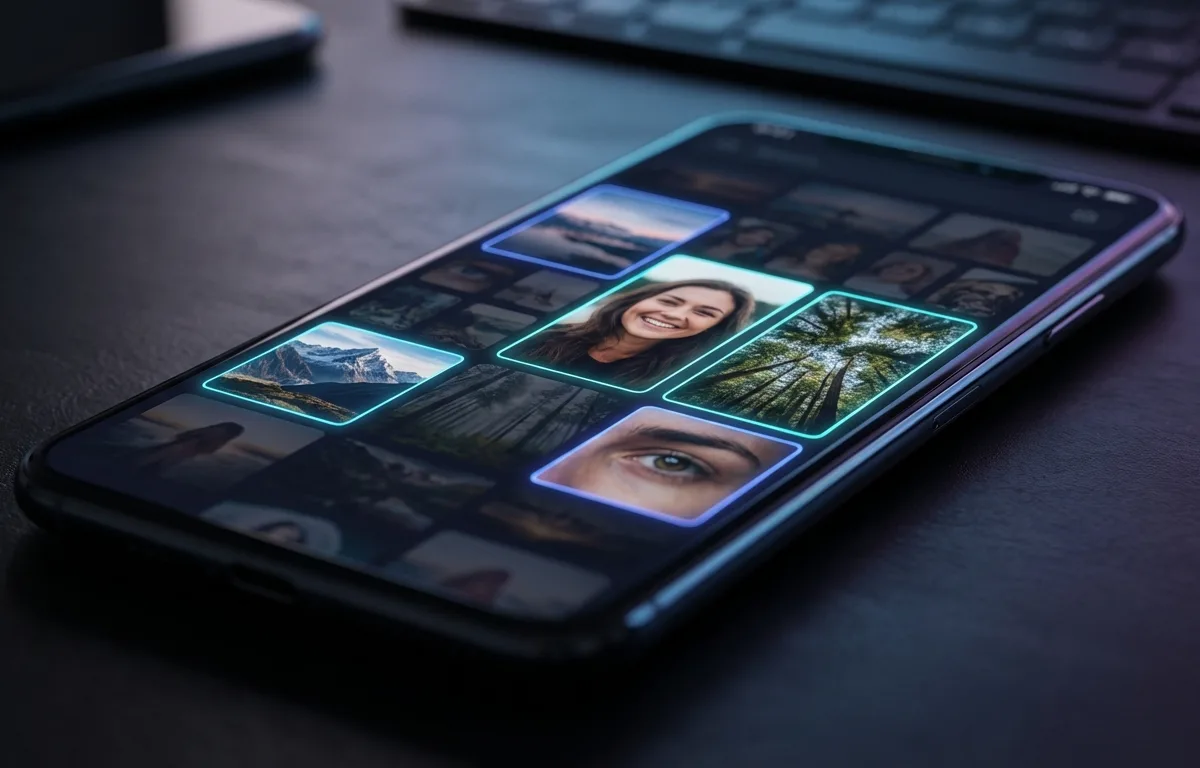
Additionally, MacRumors recommends a systematic approach to clearing photos: start with the native Duplicates album, then review large video files, and finally use an AI tool to sweep for near-identical bursts. Cura's offline framework ensures this scanning process happens instantly without draining your cellular data or battery life. Once you have cleared your camera roll, you can adopt an ongoing maintenance routine — see How to Clean Up iPhone Photos Without Deleting Anything (2026) for details.
Frequently Asked Questions
Why does my iPhone say storage is full when I have iCloud?
Your device hardware and your iCloud account have separate capacities. Expanding your cloud plan does not physically add hardware storage to your phone; you must enable optimization settings within iOS to actively push local files into your cloud account to see space return.
What is iOS System Data and how do I clear it?
System Data (formerly known as Other Storage) includes caches, logs, Siri voices, and temporary files generated by your applications and system operations. You can minimize this category by clearing your Safari history, deleting heavy message attachments, and performing a standard device restart.
Does offloading apps delete my personal data?
No. The iOS offload feature only removes the core application files downloaded from the App Store. It securely retains your personal documents, settings, and login credentials on the device, seamlessly restoring them the moment you reinstall the app.
How long does AI photo management take to scan a full library?
Modern offline AI tools leverage your device's built-in neural engine, allowing them to scan a library of 10,000 images in under two minutes. This rapid processing clusters similar files and identifies duplicates without the severe delays associated with cloud uploads.
Sources
- MacRumors — Guide to freeing up iPhone and iPad storage space
- 9to5Mac — iOS System Data storage bug: causes and solutions
- Mashable — Analysis of iPhone System Data and its impact on usable storage
- HEICtoJPG — HEIC vs JPEG file size comparison data and analysis
- Apple Support — Managing photo and video storage with iCloud Photos
- CNET — Settings adjustments to reclaim iPhone storage without losing photos
- PhotoAiD — Mobile photography statistics including camera roll size and user behavior